
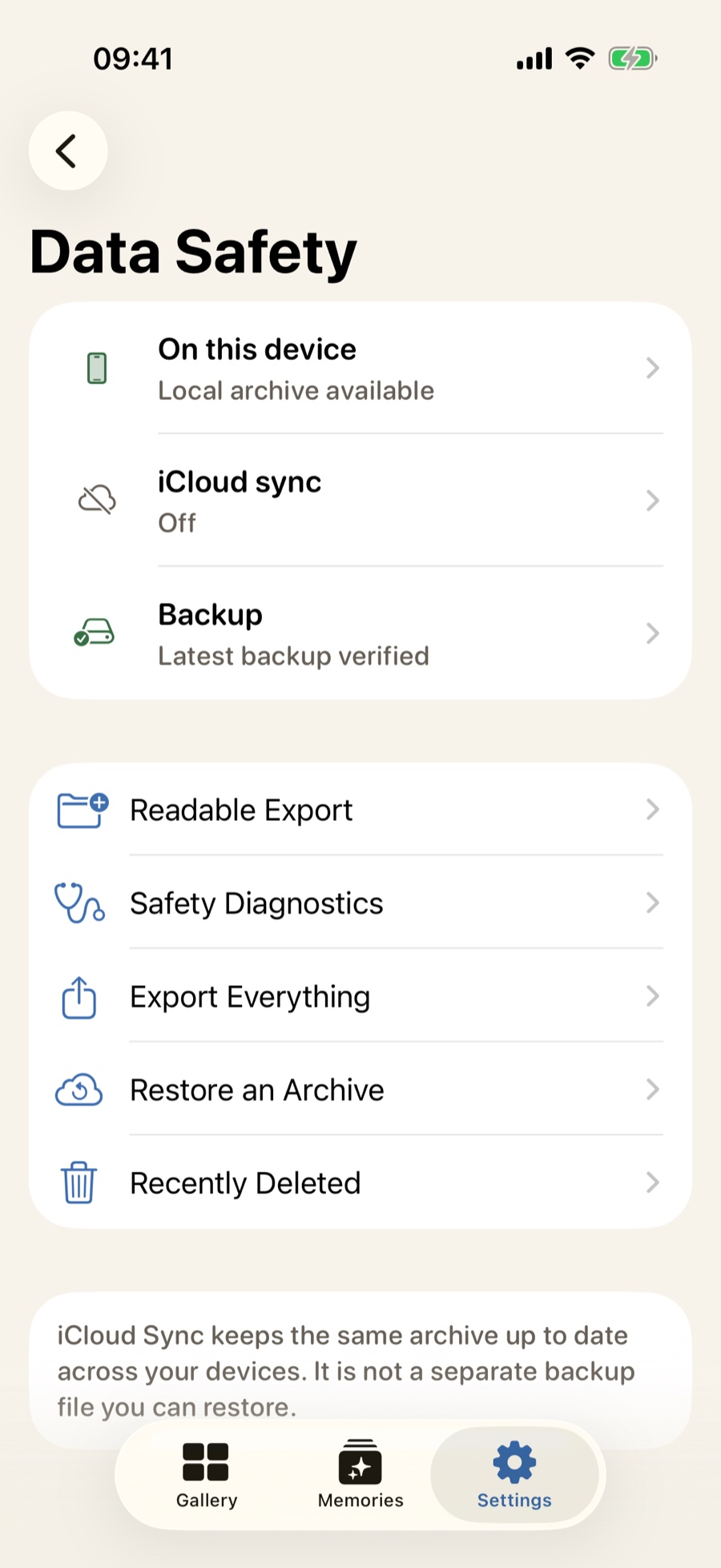

Sync keeps devices aligned; backup gives you a checkpoint
A sync system can carry useful changes and accidental deletions alike. A separately stored, verified backup preserves a deliberate state you can restore later.
 Mademory
Mademory separates syncing from backup. Create a protected `.mademory` file for restoration, or export originals and portable metadata for long-term access outside the app.
Verified `.mademory` backup with optional passphrase protection
Transactional restore with conflict review
Original files and portable metadata through human export
A sync system can carry useful changes and accidental deletions alike. A separately stored, verified backup preserves a deliberate state you can restore later.
An encrypted `.mademory` backup is protected by the phrase you choose. The phrase is not uploaded to a Mademory server, and support cannot recover it if it is forgotten.
Complete export prepares the original files with portable metadata and reports a missing or corrupt required original instead of quietly omitting it. You choose where the resulting archive goes.
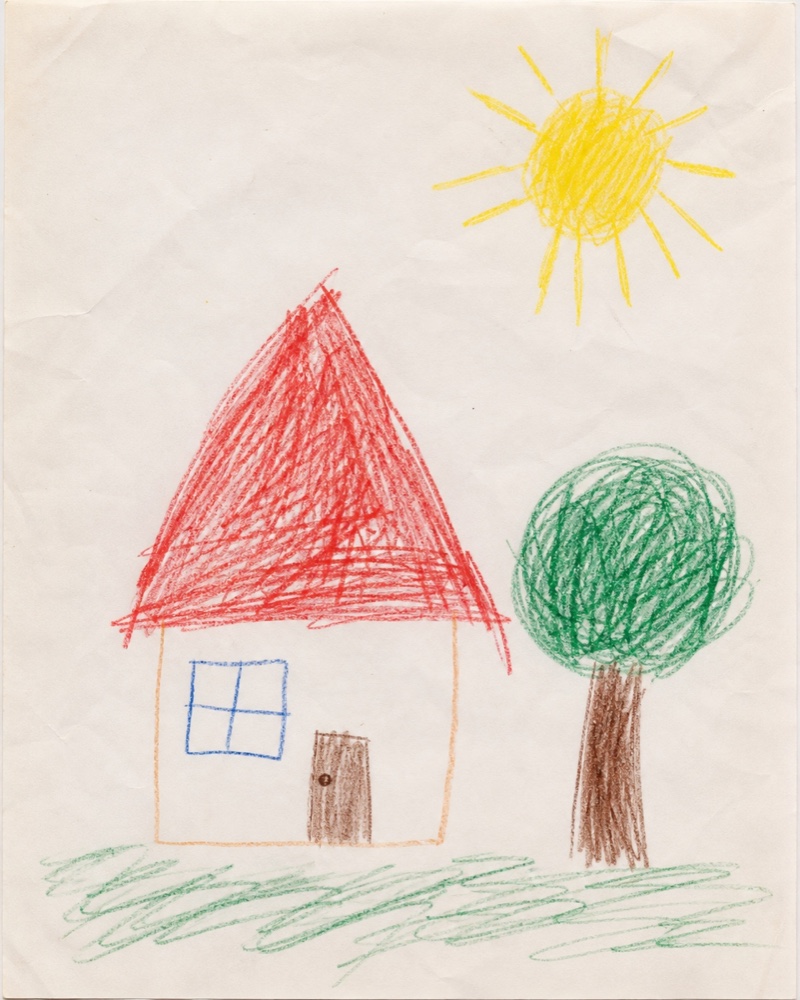
Your family archive stays yours.
No ads. No behavioral analytics. No developer account required.
No. Store the phrase separately. It is not saved or uploaded to a Mademory server.
It removes the local app container, not backups, exports, iCloud records or files already shared to another destination. Those copies must be managed separately.
MademoryTurn drawings, paintings and schoolwork into a beautiful archive you can actually revisit - with the child, date and story still attached.